

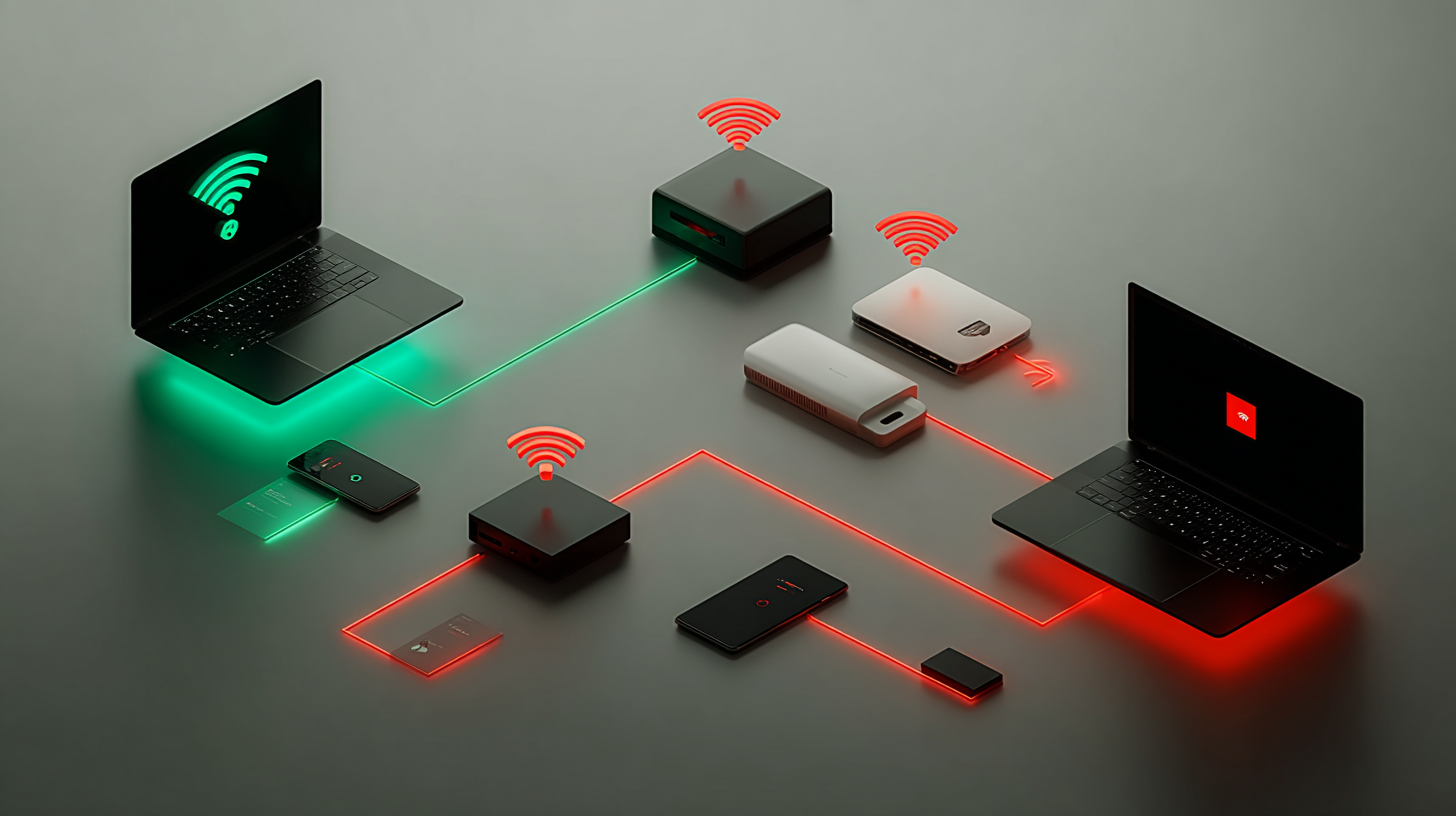
Cisco Identity Services Engine (ISE) is a network access control platform that enforces security policies across wired, wireless, and VPN connections. Its BYOD capability lets employees register personal devices, such as laptops, smartphones, and tablets. These personal devices can connect to the corporate network under controlled, policy-driven conditions.
Network architects face a fundamental design choice when deploying Cisco ISE BYOD. The design choice architects face is whether onboarding should take place on a single wireless network (SSID) or on two separate networks. This choice shapes user experience, security posture, and administrative complexity for the entire deployment.
In a single SSID BYOD setup, employees connect their personal devices to the corporate wireless network from the start. ISE intercepts that initial connection, redirects the user through the BYOD portal, provisions the device with a certificate, and then grants full access on the same network. In a dual SSID BYOD setup, a separate open or lightly secured wireless network handles onboarding first. Once ISE confirms the user's identity and the device is registered, the endpoint switches to the secured corporate SSID for ongoing access.
Both approaches are valid. The right choice depends on your guest access model, identity store, device mix, and the level of friction users can tolerate during onboarding.
Personal devices now represent a significant share of enterprise wireless traffic. A poorly designed onboarding flow creates either a support burden or a security gap, and often both. Choosing between single and dual SSIDs affects how firmly the organization controls what enters its network.
A device that connects without proper registration can bypass data loss prevention tools, endpoint detection controls, and network segmentation rules. Cisco ISE BYOD closes that gap by requiring registration and certificate-based authentication before granting access. But the path to that registration differs meaningfully between the two deployment models, and picking the wrong one can frustrate employees or introduce exploitable weaknesses.
Beyond access control, the decision touches wireless capacity. Every SSID a wireless network broadcasts consumes airtime through beacon frames and management overhead. According to Cisco community documentation, a second SSID adds channel overhead and can degrade wireless performance in dense environments. That performance cost, multiplied across dozens of access points, can affect all users and not just those going through onboarding.
Regardless of whether your organization uses a single or dual SSID, the Cisco ISE BYOD process follows a consistent pattern.
When a device connects to the designated wireless network, the Wireless LAN Controller (WLC) sends an authentication request to ISE via RADIUS. ISE evaluates the request against its policy sets. If the device is not registered, ISE redirects the user’s browser to the BYOD portal. The user registers the device by name, accepts terms, and triggers the download of the Cisco Network Setup Assistant (NSA). The NSA installs a device certificate signed by ISE's internal certificate authority and configures the wireless supplicant. The next time the device connects, it uses certificate-based login for verification, and ISE gives it full access based on its registered device profile.
The official Cisco ISE documentation describes the single SSID flow specifically as: initial EAP-MSCHAPv2 authentication, redirection to the BYOD portal, device registration, NSA download, profile download, certificate download, and finally EAP-TLS authentication, all on the same SSID. The WLC must allow AAA Override and NAC state on the policy profile for this flow to function correctly.
In a single SSID BYOD deployment, the corporate SSID carries both onboarding and production traffic. The SSID uses WPA2 with 802.1X authentication. A pre-authentication ACL on the WLC allows DNS, HTTP, and HTTPS traffic to the ISE portal and required backend services, while blocking all other traffic until onboarding is complete.
The user connects with their username and password (EAP-PEAP with MSCHAPv2). ISE authenticates the credentials, determines that the device is unregistered, and redirects the user to the BYOD portal. After registration and certificate installation, the device reconnects to the same SSID using EAP-TLS. ISE verifies the certificate and the registered device status, then grants full network access. From the user's perspective, the experience is seamless on iOS devices: they do not need to manually switch networks.
Cisco ISE BYOD Configuration for Single SSID
The WLC configuration for a single SSID deployment requires:
On the ISE side, a single policy set handles the entire flow. The authentication rule uses EAP-PEAP for the initial connection and a Certificate Authentication Profile for the post-registration EAP-TLS connection. The authorization policy uses two rules: one that redirects unregistered devices to the BYOD portal, and one that grants full access to devices with "BYOD Registration equals Yes."
This model works best when:
In a dual SSID BYOD deployment, two separate wireless networks serve different purposes. The first SSID is open or lightly secured and is typically shared with guest access. The second SSID is the secured corporate network, protected by WPA2 and 802.1X. Employees initially connect to the open SSID. ISE identifies the user as an employee through the shared guest portal, redirects them to the BYOD flow, provisions the device with a certificate, and then instructs the endpoint to connect to the corporate SSID for full access.
The WLC must have Fast-SSID Change enabled to accommodate iOS devices because the switch from one SSID to another is required. Without this setting, Apple devices experience delays or failures when transitioning to the network. Android users may need to switch manually, depending on the OS version and configuration.
(H3) Cisco ISE BYOD Configuration for Dual SSID
The dual SSID ISE configuration requires two policy sets. The first policy set applies to the open or unsecured SSID. Within this set, the authorization policy redirects users to the BYOD portal upon connecting. ISE evaluates whether the connected user is an employee; if so, the BYOD flow starts. The second policy set applies to the corporate SSID. It authenticates devices using the EAP-TLS certificate issued during onboarding and grants full access based on the registered endpoint profile.
The WLC setup requires an extra WLAN for the open SSID with no Layer 2 security, MAC filtering enabled, and a Layer 3 web authentication parameter map applied. Both WLANs must use the same ISE RADIUS server configuration.
This model is the better fit when:
The table below summarizes the core differences, based on Cisco's official guidance:
Whether you choose a single or dual SSID, the following practices protect the deployment. Furthermore, these practices also make deployment sustainable over time.
Certificate management is essential. ISE acts as its own certificate authority during BYOD onboarding. The ISE server certificate must be trusted by devices, either through a trusted public certificate authority or an internal certificate authority with the root certificate properly distributed to endpoints.
DNS must resolve the ISE hostname. The BYOD portal redirect depends on DNS. If endpoints cannot resolve the ISE hostname, the redirect fails silently, and users see connectivity errors rather than the portal. Validate DNS resolution from the onboarding VLAN before rolling out to end users.
Scope VLAN segmentation carefully. Personal devices should land on a different VLAN from corporate-managed endpoints, even after successful onboarding. ISE authorization profiles can assign different VLANs based on device type, registration status, and group membership. This segmentation limits the blast radius of a compromised personal device.
Keep the number of SSIDs low. As noted in Cisco community guidance, minimizing SSID count is a general best practice for wireless networks. Each additional SSID reduces available airtime for data transmission. If the dual SSID model is appropriate for your organization, try to reuse an existing guest SSID rather than creating a third dedicated network.
Test across operating systems before broad rollout. The onboarding experience differs across Windows, macOS, iOS, and Android. The Network Setup Assistant behaves differently on each platform. iOS uses a native supplicant profile. Android requires the Network Setup Assistant from the Play Store. Test all four platforms in a lab using the same ISE version and WLC firmware that you plan to use in production.
Enable logging and monitor BYOD events. ISE provides live logs under the RADIUS Live Logs section. During the onboarding flow, logs show authentication events, portal redirects, certificate issuance, and policy decisions. Reviewing these logs during testing reveals misconfigured ACLs, missing DNS entries, and policy set ordering errors before they affect users.
Misconfigured Pre-Authentication ACL
The pre-authentication ACL on the WLC must allow DNS and HTTP or HTTPS traffic to ISE. If the ACL blocks these protocols before authentication completes, the browser never reaches the BYOD portal. Many deployments also forget to permit traffic to the ISE portal's IP address specifically, relying only on domain-based rules that fail without proper DNS resolution.
Wrong Policy Set Order on ISE
ISE evaluates policy sets from top to bottom and applies the first match. If the BYOD policy sits below a more general corporate policy, registered devices may never reach the correct authorization rule. Review the policy set order carefully, especially when BYOD is added to an existing ISE deployment that already has guest or posture policies configured.
Fast-SSID Change Not Enabled in Dual SSID Deployments
iOS devices connecting through a dual SSID flow must switch networks after onboarding. Without Fast-SSID Change enabled on the WLC, the iOS device may hold the existing session too long, causing the SSID transition to fail. This issue appears inconsistently because it depends on device model, iOS version, and timing — making it difficult to diagnose without understanding the underlying requirement.
Certificate Trust Issues at Initial Connection
In a single SSID setup, users must trust the ISE EAP certificate before their login details are sent during the first PEAP connection. Some mobile platforms present a certificate warning but allow the user to proceed without verifying the certificate's origin. This creates a risk of credential exposure to rogue access points. Deploying a certificate from a widely trusted CA or distributing the internal root CA certificate to endpoints in advance eliminates this gap.
Overlooking the Identity Store Constraint
Single SSID BYOD with EAP-PEAP relies on MSCHAPv2, which requires an identity store that supports that authentication method. Active Directory supports it; LDAP does not. Organizations that authenticate users against LDAP must use the dual SSID model or configure a proxy to Active Directory. Using a single SSID with an incompatible identity store can cause authentication failures that are hard to identify unless you understand this limitation.
Use this checklist before deploying Cisco ISE BYOD in a production environment.
Infrastructure Readiness
WLC Configuration
ISE Configuration
Testing
A functioning BYOD deployment is a starting point. Once devices are registering and authenticating correctly, several adjacent capabilities become available.
Endpoint profiling lets ISE automatically identify device types, distinguishing between a registered iPhone and a registered Windows laptop. It also applies different access policies based on that classification, allowing organizations to restrict what personal mobile devices can access compared to managed corporate laptops, even if both hold valid BYOD certificates.
Integration with Mobile Device Management (MDM) adds a compliance check to the BYOD flow. ISE can query an MDM solution during authorization to confirm whether the device has required security settings, such as screen lock or current OS patches. Devices that fail the compliance check can be redirected to a remediation portal or denied access entirely.
My Devices Portal gives employees a self-service interface to manage their registered devices. They can add new devices, rename existing ones, or remove devices they no longer own, reducing helpdesk calls and keeping the registered device list accurate.
These capabilities all build on the same policy infrastructure established during the initial single or dual SSID deployment, making it worthwhile to plan for them even before the first device goes through onboarding.
Choosing between single and dual SSID is one of the most consequential decisions in a Cisco ISE BYOD deployment. Single SSID offers a cleaner user experience and lower wireless overhead, and it suits organizations that use hotspot-style guest access or have an Active Directory identity store. Dual SSID offers better security verification at the onboarding stage and works with a wider range of identity stores and deployment scenarios. However, it adds management complexity and airtime cost.
Both models deliver what Cisco ISE BYOD promises: controlled, certificate-based access for personal devices, with policy enforcement that protects the corporate network without requiring those devices to be managed. The architecture you choose should match your environment, not just a default recommendation.
Explore our latest insights on AI, cybersecurity, and data center innovation. Discover how SecurView delivers scalable, Cisco-integrated solutions for complex enterprise needs.


![[background image] image of an innovation lab (for an ai developer tools).](https://cdn.prod.website-files.com/69835fe30bf38b9637e73850/6a46644a4c169eeeae4a47bd_aaaa.jpg)
![[background image] image of an innovation lab (for an ai developer tools).](https://cdn.prod.website-files.com/69835fe30bf38b9637e73850/6a4660b88fcd6b3708698812_JJ.png)
![[background image] image of an innovation lab (for an ai developer tools).](https://cdn.prod.website-files.com/69835fe30bf38b9637e73850/6a33ca3574b66de6e5d61431_l%20(2).png)